In an increasingly digital world, seamless communication is key. A virtual phone system offers a flexible, internet-based solution for handling business calls across teams, devices, and locations. Whether you’re a small business owner or a remote team lead, understanding how these systems work and what they offer can transform how you manage calls and stay connected.
What Is a Virtual Phone System?
A virtual phone system is a cloud-based telephony solution that allows you to make and receive calls using the internet instead of traditional landlines. Unlike a physical system with hardwired phones, a virtual system lets you use your existing devices — smartphones, laptops, or desktops — to manage communications.
These systems often come with a virtual phone number, which lets you establish a professional presence without being tied to a specific location or device.
How Does a Virtual Phone System Work?
At the core, virtual phone systems use Voice over Internet Protocol (VoIP) to transmit voice data over the internet. Here’s how it functions:
- Call Routing: Incoming calls are directed through a cloud server to the correct extension or device.
- Multiple Devices: Users can answer calls on any device connected to their account.
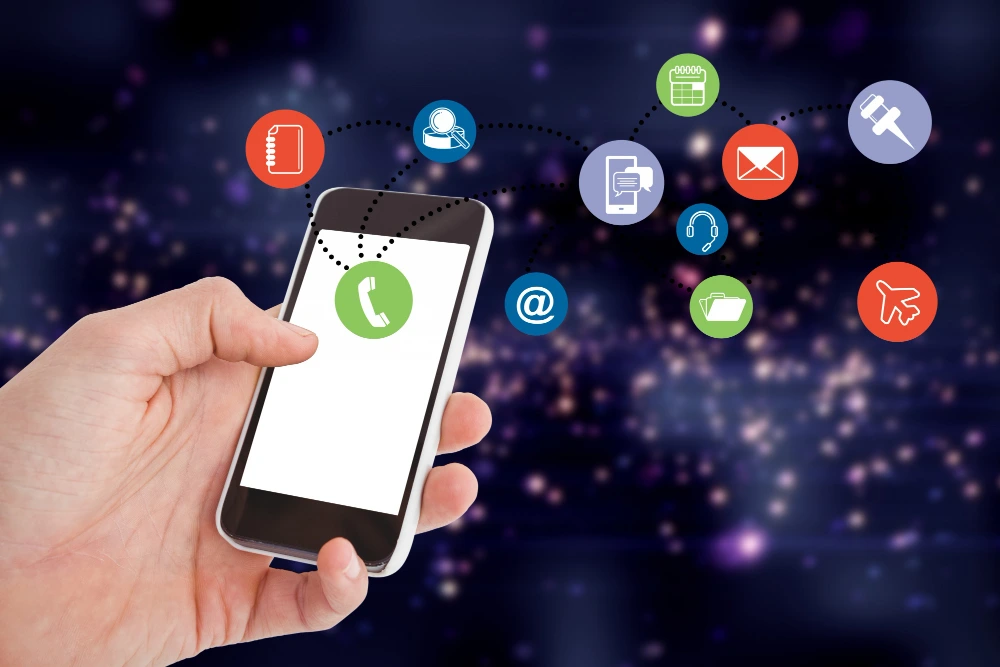
- Softphones & Dashboards: These systems often include a web or app-based interface for managing calls, messages, voicemails, and team collaboration.
- Integrations: Seamless compatibility with tools like CRMs, Slack, and Helpdesk platforms enhances workflow.
10 Powerful Benefits of a Virtual Phone System
1. Cost Efficiency
No expensive hardware or installation fees. Monthly plans are often more affordable than traditional carriers.
2. Portability
Work from anywhere. All you need is an internet connection to handle business calls.
3. Scalability
Add new numbers, users, or features as your team grows without needing physical infrastructure.
4. Advanced Call Features
Enjoy features like call forwarding, voicemail transcription, auto-attendant, and call recording.
5. Improved Professionalism
Use dedicated business numbers, custom greetings, and call routing to present a polished image.
6. Enhanced Collaboration
Team members can share numbers, access call logs, and manage communications from a unified dashboard.
7. Analytics & Insights
Access data on call durations, missed calls, and agent performance to make informed decisions.
8. Integration with Tools
Connect your phone system to your CRM, calendar, or communication apps for seamless operations.
9. Disaster Recovery
Because it’s cloud-based, you can quickly reroute calls or shift operations in case of outages or emergencies.
10. Eco-Friendly
No physical paperwork or bulky equipment — ideal for businesses aiming for sustainability.
5. Who Should Use a Virtual Phone System?
- Small to Mid-Sized Businesses looking for affordable yet professional communication tools.
- Remote Teams who need a centralized system to manage calls from multiple locations.
- Freelancers and Solopreneurs who want to separate personal and business calls easily.
- Customer Support & Sales Teams requiring advanced routing and call monitoring tools.
6. Things to Consider Before Switching
- Internet Reliability: A stable connection is essential for clear, uninterrupted calls.
- Features Needed: Ensure the provider offers essentials like IVR, call recording, and integrations.
- Budget: Compare pricing tiers and feature sets to find the best value.
- Security & Compliance: Choose a provider that meets your data privacy and industry standards.
7. Virtual Phone System vs. Traditional Phone Systems
| Feature | Virtual Phone System | Traditional Phone System |
| Setup Time | Quick & remote | Lengthy & on-site |
| Cost | Lower, flexible plans | Higher setup & maintenance |
| Mobility | Works from any device/location | Location-dependent |
| Maintenance | Minimal, cloud-managed | Frequent hardware servicing |
| Flexibility | Highly customizable | Limited features |
8. Conclusion
A virtual phone system isn’t just a modern convenience—it’s a strategic business tool. By understanding how it works and embracing its powerful features, businesses can improve communication, reduce costs, and enhance professionalism. Whether you’re a growing startup or a remote team, making the switch can offer both immediate and long-term benefits. Consider getting started with a virtual phone number to future-proof your business communication.
Read More: How to Call the UK from the US: Step-by-Step Guide
FAQs
- What is a virtual phone system?
It’s a cloud-based platform that lets users make and receive calls over the internet without relying on traditional landlines. - How does a virtual phone system work for small businesses?
It routes calls via the internet and allows you to manage them using apps or dashboards from any device. - Can I use my existing number with a virtual phone system?
Yes, most providers allow number porting or offer virtual phone numbers. - Is a virtual phone system secure?
Yes, reputable providers offer encryption and comply with data privacy regulations. - What’s the difference between a virtual phone system and VoIP?
VoIP is the technology; a virtual phone system is the full suite of tools built on VoIP. - Can I get a virtual phone number with a virtual system?
Absolutely. Most systems provide access to one or more virtual phone numbers for different locations.